Accessing Survey Submissions
There are various ways to access survey submissions.
Survey Buddy Dashboard: The Survey Buddy dashboard contains an 'All Survey Answers' report that lets you search for all submissions. From there you can open the complete survey to view it and also download it to PDF.
Survey Buddy Analytics: The analytics within each survey allows you to view all of the submissions in both a graphical and tabular view. The tabular view can be filtered if needed, and can also be downloaded to Excel, CSV and PDF. 
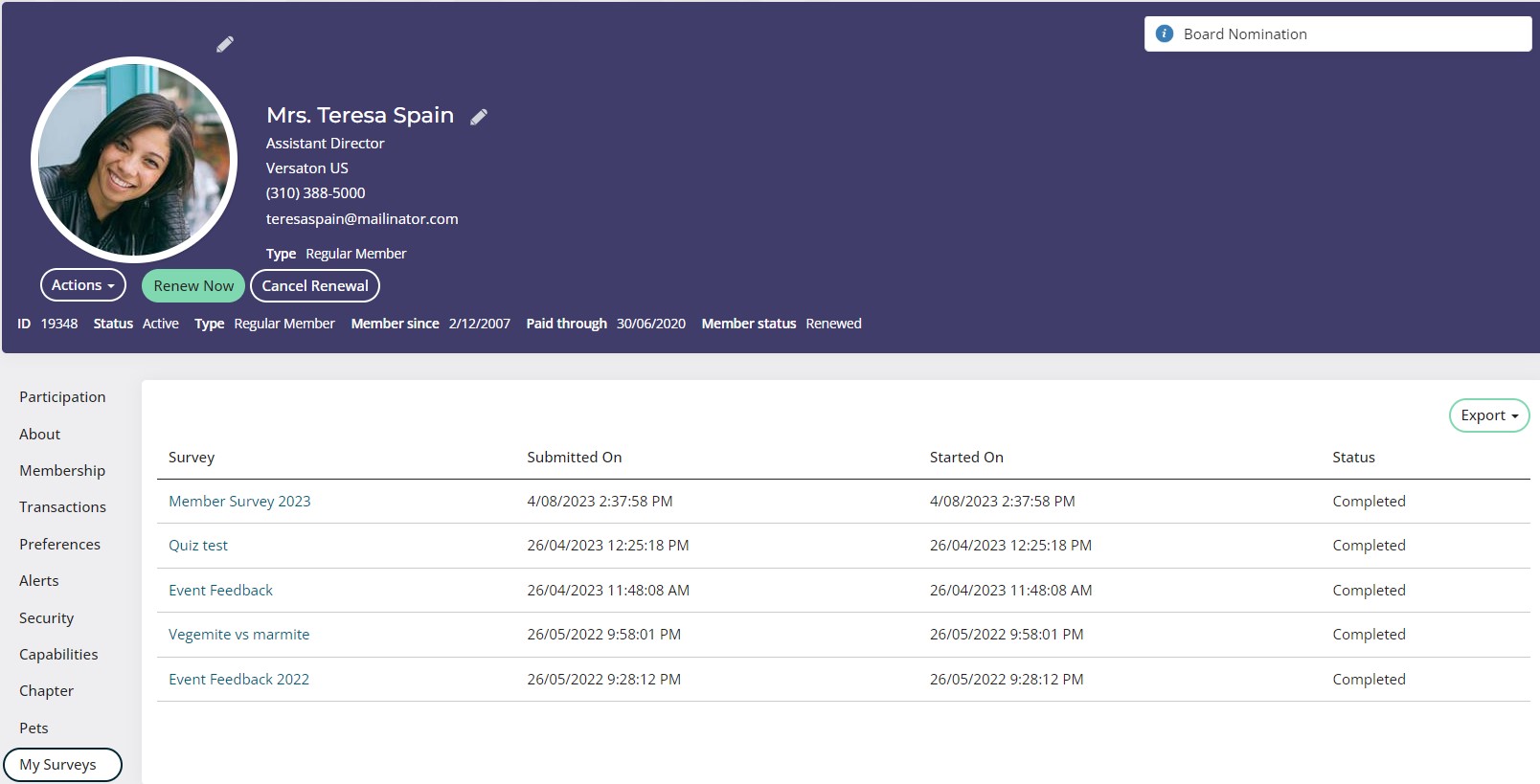
Contact Profile: You can place a query on a contacts profile showing the surveys they have submitted. This then allows you to view/access their submissions via their profile.