Setting the timezone
To ensure the correct date and time is recorded when a survey is submitted, you need to configure the timezone.
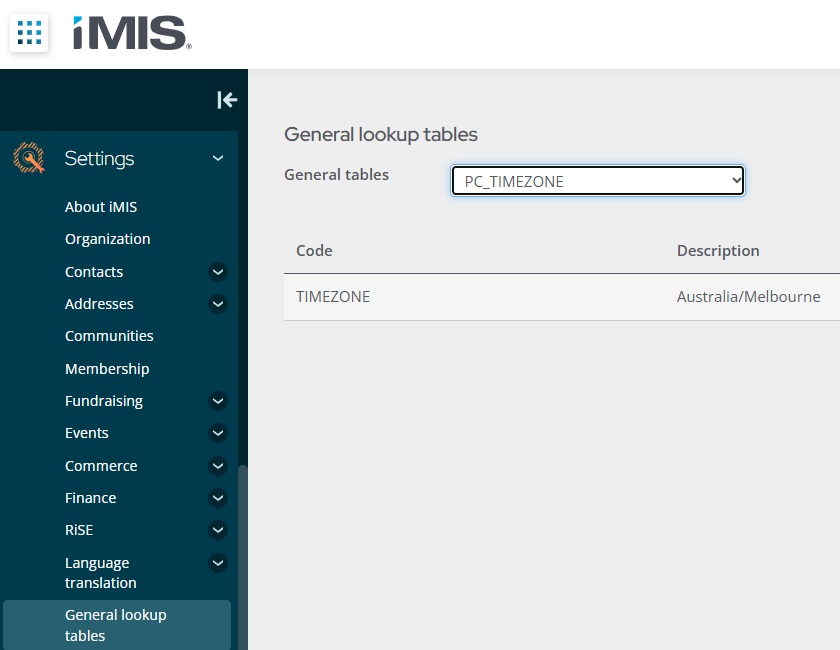
To do this, go to Settings-General lookup tables. Create a new general lookup table called PC_TIMEZONE. The code is "TIMEZONE" and the description is the timezone. The timezone should be entered in the correct format which can be found on this website https://timezonedb.com/time-zones