
Adding a Save option to a Survey
Adding a Save option to a survey is set within the Survey Buddy Display iPart on a content page.
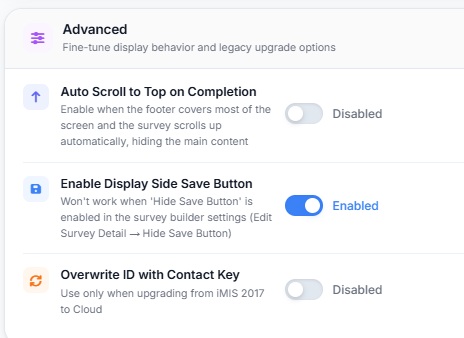
While configuring your display page make sure the Enable Display Side Survey Button is checked.
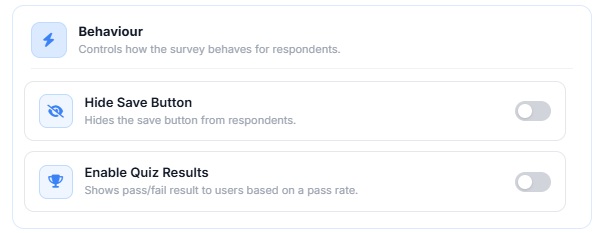
Then within the individual survey properties, you can choose to hide the save button for that specific survey.
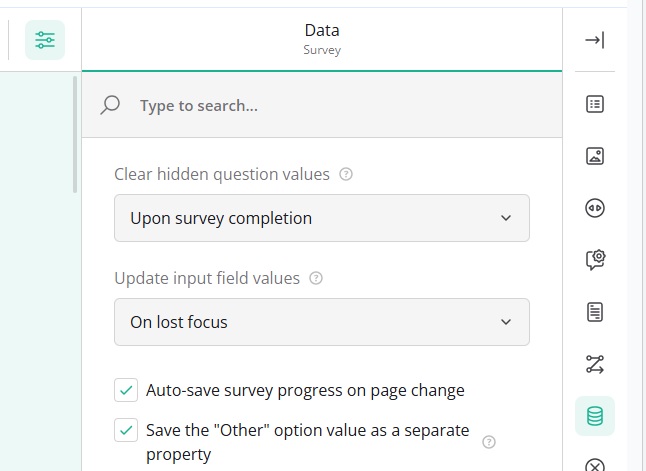
Survey Buddy also has a feature to auto save on page change.
Please note, saving will not work for anonymous surveys, as we don't track which contact it is.