
Category Listing
Then go to the category listing page at: https://nysada.imiscloud.com/web/Pseudocode/Product-Buddy/Category-Listing.aspx
And your new product should be showing in the relevant category.
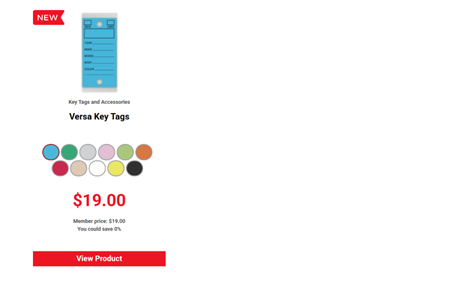
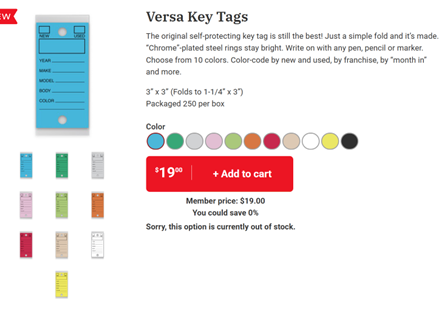
Clicking on a product summary will bring up the full listing.
The category listing is designed to pull through and display the master products assigned to the selected category.
Everything here is configurable via IQA.
The first three are “Pseudo categories”
- All Products – Returns all master products assigned to any category
$/PseudoCode/product-buddy/PB Category Products with no Category filter value - New Arrivals – Any master product where the “Mark item as new until” value is in the future
$/PseudoCode/product-buddy/PB Category Products New - SALE – Any master product where the “Mark item as on sale until” value is in the future
$/PseudoCode/product-buddy/PB Category Products Sale - All the individual Product Categories
$/PseudoCode/product-buddy/PB Category Products with the Category filter value set to the selected category
The category listing itself is driven by IQA $/PseudoCode/product-buddy/PB Category Lookup
Currently this IQA simply returns all the Product Categories but it can be modified to filter out any you do not wish to include.
Alternately, we can change this IQA later to bring back the list based upon the configured master products. That way it will simply show categories in use.